Local Encrypted Channel Configuration
Adding the following configuration to your node allows it to communicate encrypted messages over our local channel.
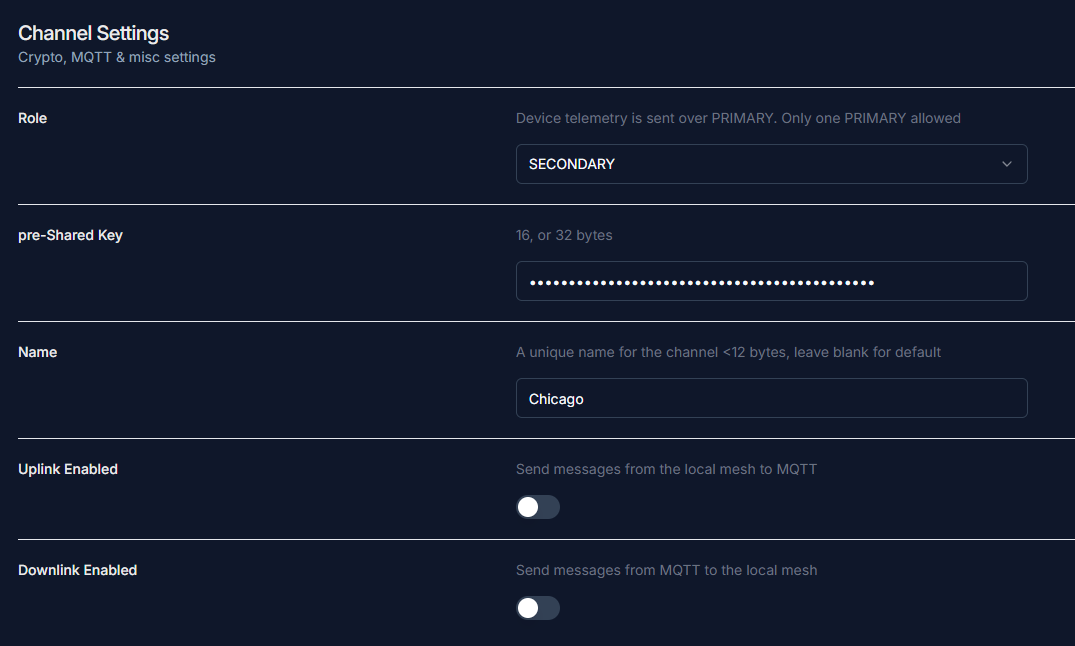
Go to Channel 2
- Navigate to the settings or configuration section where channel settings are managed.
Set the channel role to
Secondary- Locate the option to designate the channel role and choose "Secondary" from the available roles.
Enter the pre-Shared 256-bit key
- Input the following key:
H1HDyEqg5W9XFilicVTIaoWYrs8URmWGo5fAYfbxQgo=
- Input the following key:
Set the name to
ChicagoDisable MQTT uplink and downlink