VCFMW Mesh Info
MeshCore and Meshtastic will both be active at VCFMW, the 21st Vintage Computer Festival Midwest, at the Schaumburg Convention Center on September 12 and 13, 2026.
If you already have a LoRa node, bring it. People travel from all over the country for VCFMW, and everyone is welcome to join the event mesh. You do not need to live in Chicagoland to join the Discord, and you are welcome to stay after the event.
Live Mesh Monitoring
You can monitor mesh activity during the festival using the Chicagoland Mesh tools:
Event forum: VCFMW Discord event forum
- MeshCore event post: VCFMW MeshCore discussion
- MeshCore MQTT feed: VCFMW MeshCore MQTT feed
- Meshtastic event post: VCFMW Meshtastic discussion
- Meshtastic MQTT feed: VCFMW Meshtastic MQTT feed
Join the Community
The VCFMW mesh is open to everybody.
You do not need to be from Chicago. You do not need to be an exhibitor. You do not need an amateur radio license to participate in the normal unlicensed LoRa mesh setup described here.
If you are traveling from another state or another country, join our Discord before the show and stay afterward if you want. Chicagoland Mesh is open to anyone interested in MeshCore, Meshtastic, Reticulum, LoRa, and off-grid communications.
Support VCFMW
Vintage Computer Festival Midwest is free to attend, but putting on a show this large costs money. If you enjoy VCFMW and want to help keep it going, please consider donating to the event.
What Should I Bring?
If you already own a MeshCore or Meshtastic device, bring it charged and bring a USB cable or battery pack.
Running both protocols is welcome, but use separate radios unless your hardware and firmware specifically support both at the same time.
A small antenna is usually plenty inside the convention center. More antenna and more transmit power are not automatically better in a room full of nearby radios.
If something is not working, ask in Discord or find somebody from Chicagoland Mesh at the show.
Dedicated Repeater and Router
It would be nice to have one strategically placed MeshCore observer repeater and one strategically placed Meshtastic Router available during event to help provide consistent coverage throughout the convention center. Ideally, the repeaters should be mounted as high as possible in the main show room with reliable power for the duration of the event. A Station G2, Station G3, or another solid repeater platform would be a good fit.
We only want to coordinate one event repeater/router per protocol. Too many in the same area can create unnecessary traffic and make things worse instead of better. If you are interested in hosting one, please reach out in the VCFMW MeshCore discussion channel or the VCFMW Meshtastic discussion channel so we can decide who will host them and where they will be placed.
Attendees do not need to set their personal nodes to Repeater. Normal companion nodes should stay as companions.
MeshCore Setup
- Flash the latest stable MeshCore companion firmware for your device using the MeshCore Flasher
- Connect to the node with the MeshCore app
- Select
USA/Canada Recommendedfor the radio preset - Set Region Scope / IATA to
ORD - Set Path Hash Byte Mode to
2, which is equal to the 3 byte setting Add the
#vcfmwhash channel and any other event specific channels you want:Channel MeshCore Hashtag Derived Key VCFMW #vcfmw8827f3fbba1a7a3b6049ea0a531f914eBuy, Sell, Trade #buyselltrade51332f8708a57aff6d84f2bef882c61eVideo Games #videogamesa1a6349b218b7519d08a7654788f722aRetro Computing #retrocomputing75f637103fd8f17c8d051cba60487d9cMeetups #meetups1e04bf3679e19c1277757375e5dbff7cSet your display name to something people at the show can recognize
- Send a quick hello in
#vcfmwhash channel
Meshtastic Setup
VCFMW will not use the normal Meshtastic LongFast radio preset. A crowded indoor event is exactly the kind of environment where the faster ShortTurbo profile makes sense. It keeps packets on the air for less time, which helps when a lot of nodes are trying to talk in the same building. The event specific channels listed below should be added as Secondary channels.
Back Up Your Current Settings
Before changing your Meshtastic configuration for VCFMW, consider backing up your current configuration so you can easily restore your normal settings after the event. Need help? Follow the Backup and Restore guide.
Make sure to update or flash your node to a current Meshtastic firmware release, then:
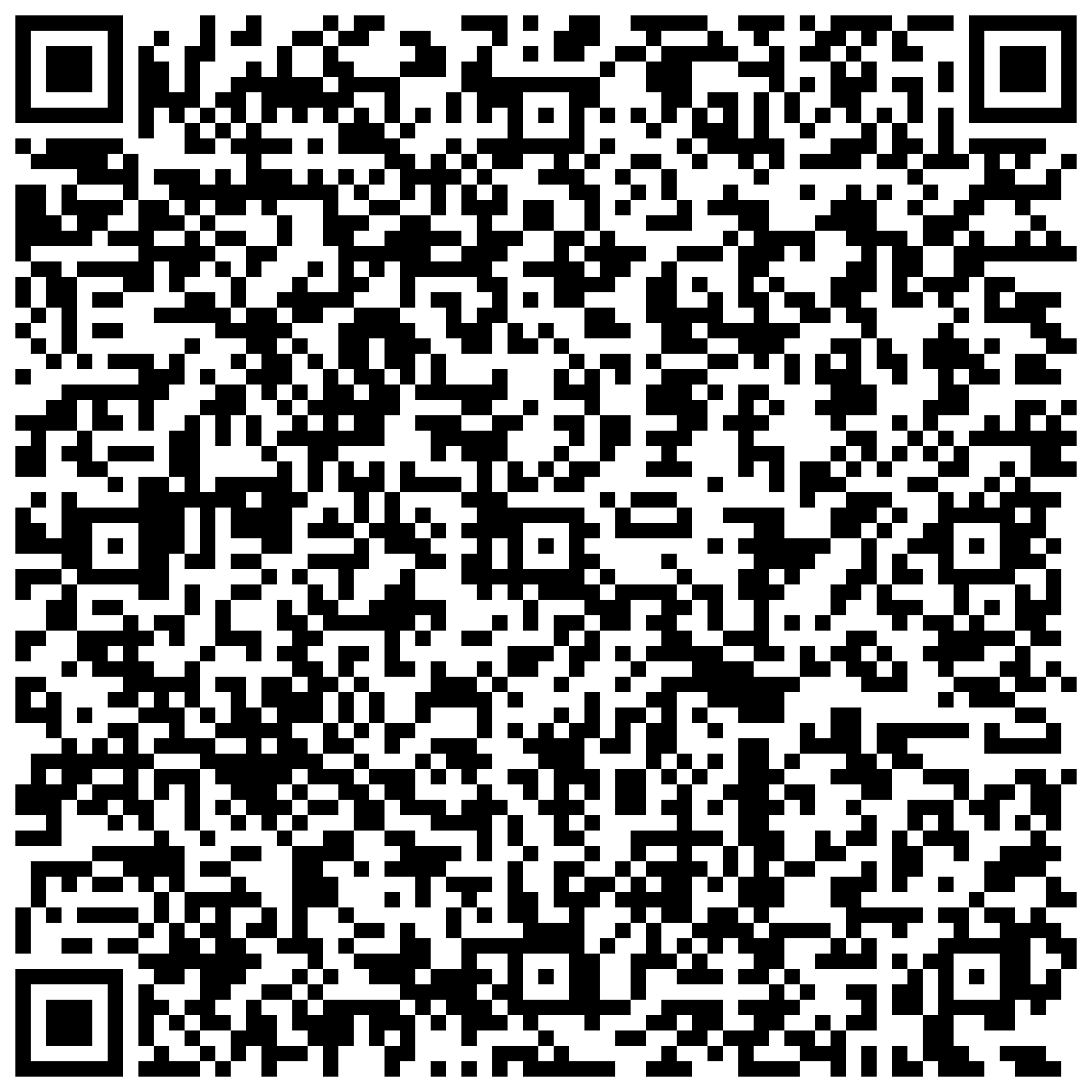
Scan the following QR code or use this link to set channels and settings, or follow the steps below to configure manually.
Set Region to
US- Set Modem Preset to
ShortTurbo - Set Frequency Slot to
50 - Set Hop Limit to
4 - Keep your device role set to
Client - Set
ShortTurboas your Primary channel Add the following event channels:
Channel Type Meshtastic Channel Name PSK Color in Discord MQTT Feed MQTT Uplink MQTT Downlink ShortTurbo Primary ShortTurboDefault Green Enabled Disabled VCFMW Secondary vcfmweHZLbks0OTNkSzFGMTltUg==Blue Enabled Disabled Buy, Sell, Trade Secondary buysell8J7cEeOAQmRi3a929zqbQw==Yellow Enabled Disabled Video Games Secondary videogamessNUcrAq53nDDW6NvXa1bFw==Purple Enabled Disabled Retro Computing Secondary retrocompjQWkWI1DHXVEHcShL2ldmA==Orange Enabled Disabled Meetups Secondary meetupsPoKsjkEBbGl1PNHFYNJ3yQ==Red Enabled Disabled Enable MQTT Uplink on the primary channel and all five event secondary channels
- Keep MQTT Downlink disabled on every channel
- Set your display name to something people at the show can recognize
- Send a test message in the
vcfmwchannel
Meshtastic MQTT Uplink
If your node has internet access through Wi-Fi, Ethernet, or the phone client proxy, we encourage you to uplink VCFMW traffic to the ChiMesh MQTT server. The purpose of MQTT during VCFMW is statistics and visibility. Uplink allows packets seen by participating nodes to contribute to MeshView, Analyzers, and the Meshtastic MQTT feed.
MQTT Settings
Make sure to enable MQTT uplink on every configured channel and keep MQTT downlink disabled on every channel.
Downlink is not needed for what we are doing at the event. Leaving it disabled also prevents internet MQTT traffic from being injected back onto the local LoRa mesh and consuming additional airtime.
Use these MQTT settings:
| Setting | Value |
|---|---|
| MQTT Enabled | On |
| Server Address | mqtt.chimesh.org |
| Username | meshdev |
| Password | large4cats |
| Encryption | Enabled |
| JSON | Disabled |
| TLS | Disabled |
| Root Topic | msh/US/IL/Chi |
| MQTT Uplink | Enabled |
| MQTT Downlink | Disabled |
The root topic is case-sensitive, so enter msh/US/IL/Chi exactly as shown.
For the connection method:
- If the node has its own Wi-Fi connection, set Proxy to Client to
Off. - If the node is using your phone or Bluetooth connection for internet access, set Proxy to Client to
On.
If you want your node included in compatible mapping tools, you can also enable Map Reporting, set the publish interval to 3600 seconds, and choose the position precision you are comfortable sharing.
Full details are available in our Meshtastic MQTT guide.